Home › Help Center › Effects reference
Effects reference
Effects act on the selection, or the whole file when nothing is selected. Most offer preview and presets.
Free to edit and save WAV · Windows 11 & 10 (64-bit)
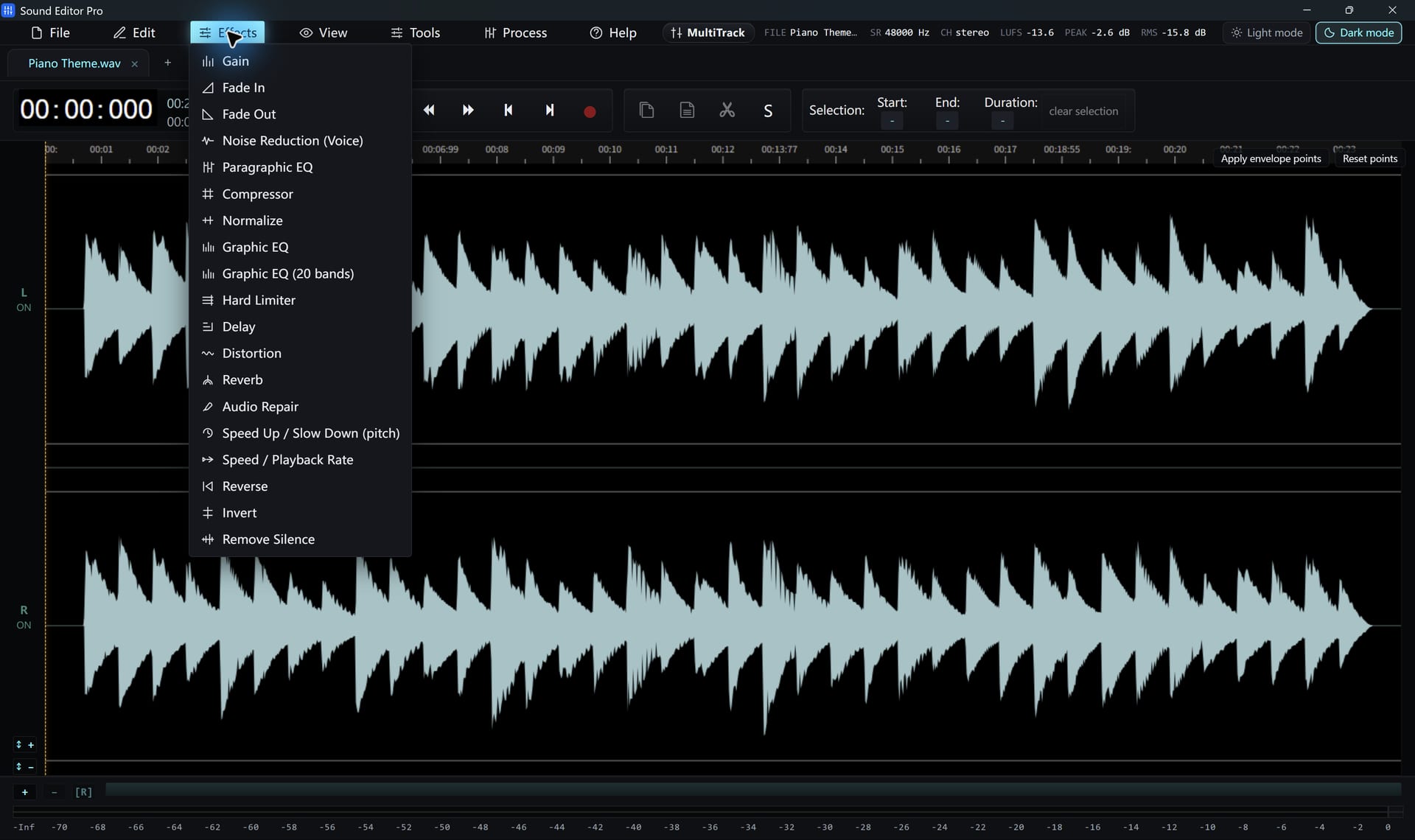
Level and dynamics
| Effect | Use |
|---|---|
| Gain | Raise or lower a range |
| Fade In / Fade Out | Smooth starts and endings |
| Normalize | Set peak level |
| LUFS loudness | Match perceived loudness to a target |
| Compressor | Reduce dynamic range |
| Hard Limiter | Stop peaks exceeding a ceiling |
| Noise Gate | Silence audio below a threshold |
Tone
| Effect | Use |
|---|---|
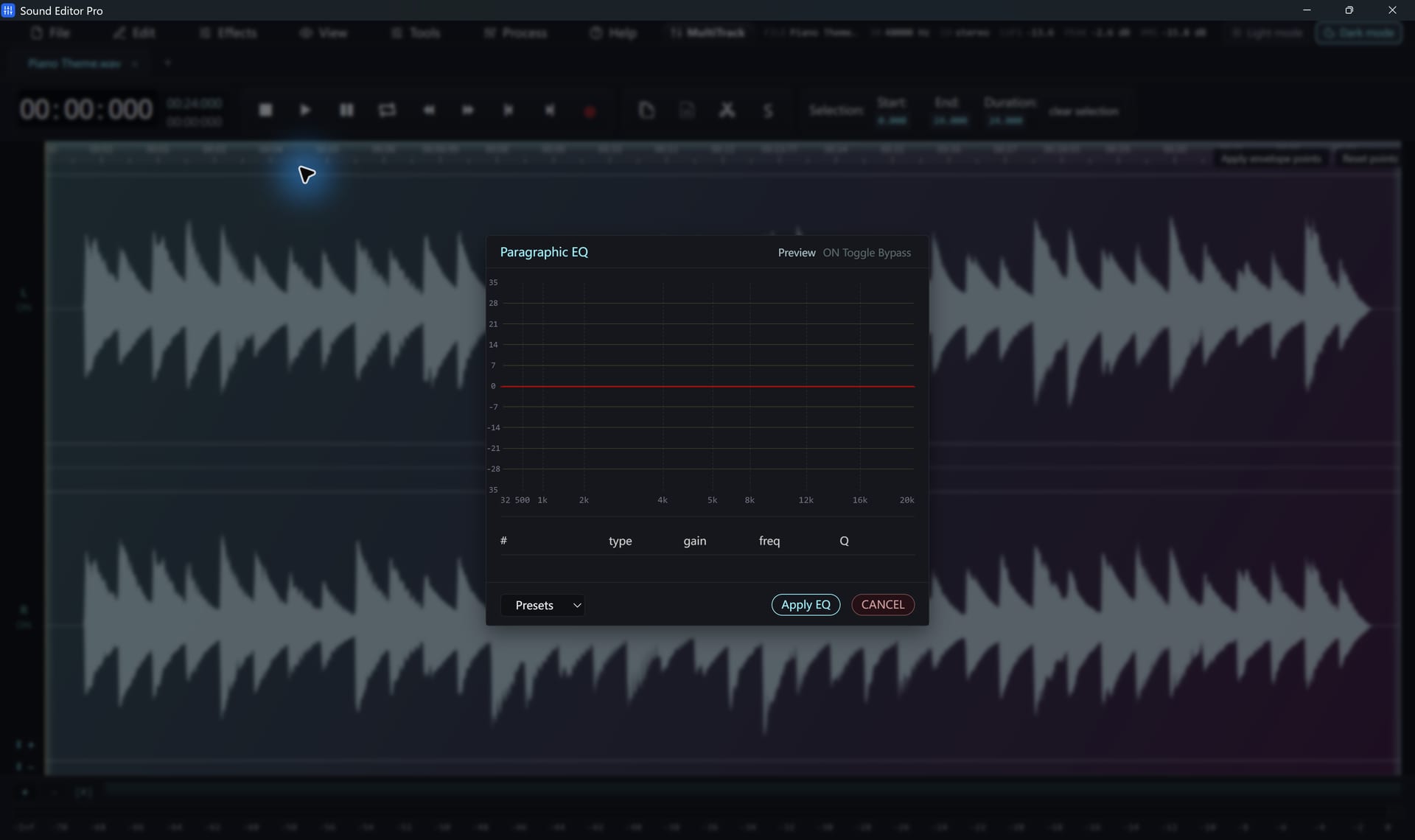
| Paragraphic EQ | Draggable filter points for precise shaping |
| Graphic EQ 10/20-band | Fast broad tone changes with presets |
| Stereo width | Widen or narrow the image |
Time and creative
| Effect | Use |
|---|---|
| Reverb | Add space |
| Delay | Echoes |
| Distortion | Saturation and grit |
| Speed / Playback Rate | Change speed |
| Speed Up / Slow Down | Profile-based speed and pitch change |
| Reverse / Invert | Play backwards; flip polarity |
| Remove Silence | Delete silent gaps |
| Remove DC offset | Re-centre the waveform |
Presets
Save your settings as named presets in supported dialogs. They are stored locally and can be updated or deleted.
Order matters
A typical voice chain: repair → noise reduction → EQ → compressor → loudness. The Podcast chain applies these stages in one pass. See Noise reduction and repair.
Hear The Difference On Your Own Material
Download Sound Editor Pro, edit without limits and save WAV for free. Register when you need MP3, FLAC or AAC.
Download Sound Editor ProFree to edit and save WAV · Windows 11 & 10 (64-bit)