Home › Help Center › Quantization and bit depth
Quantization and bit depth
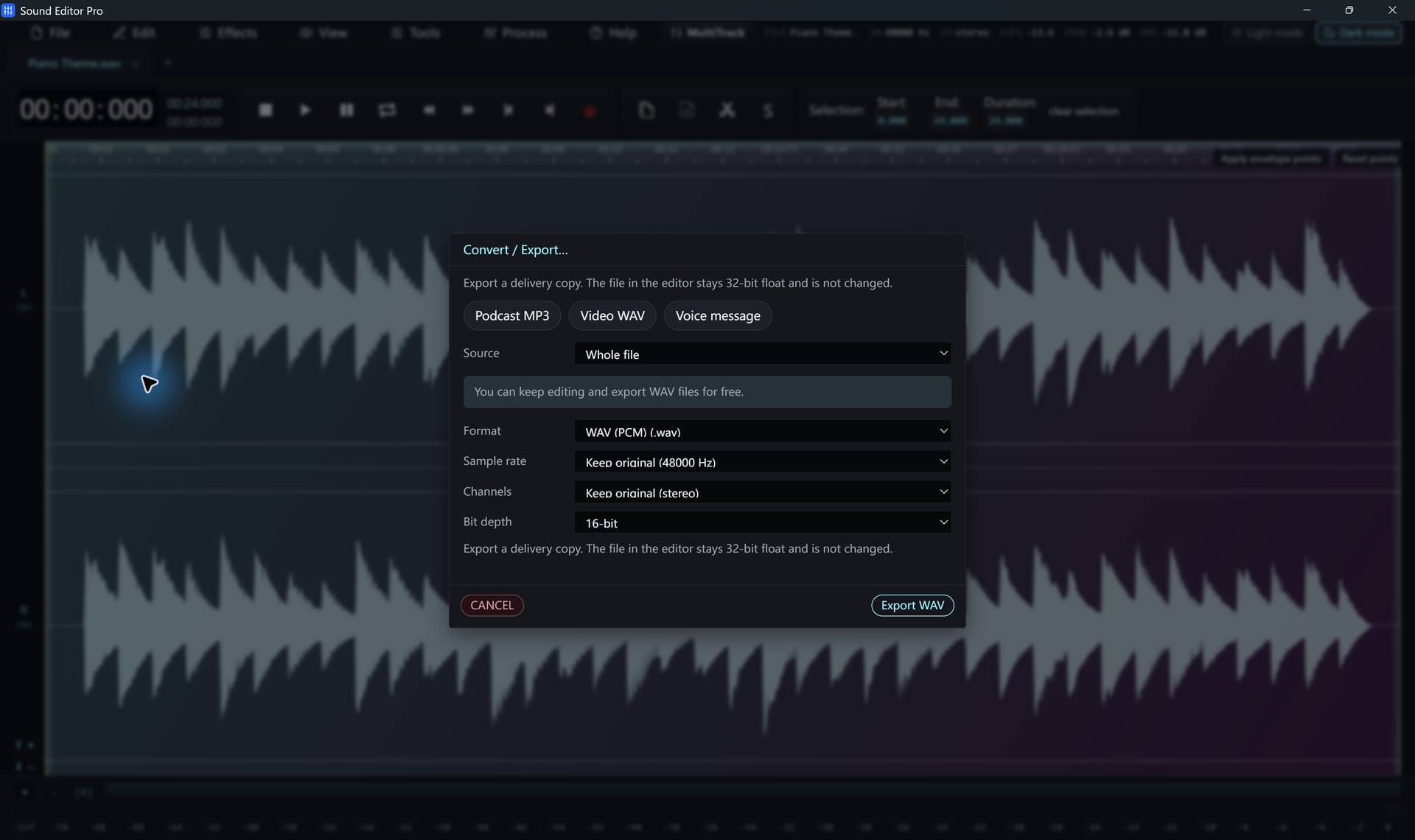
Bit depth sets the resolution of each sample and therefore the noise floor.
Free to edit and save WAV · Windows 11 & 10 (64-bit)
| Bit depth | Theoretical dynamic range | Use |
|---|---|---|
| 8-bit | ≈ 48 dB | Legacy |
| 16-bit | ≈ 96 dB | CD, delivery |
| 24-bit | ≈ 144 dB | Recording |
| 32-bit float | Very large, values above 0 dBFS preserved | Masters, processing |
| 64-bit float | Even larger | Intermediate files |
Why float matters
In a float file, a peak pushed above 0 dBFS by an effect is still stored correctly and can be turned down later. In a 16- or 24-bit file it would be clipped permanently. Save working masters as 32-bit float WAV.
Each bit is about 6 dB
Every additional bit doubles the number of levels and lowers the noise floor by about 6 dB. See The decibel (dB).
Common questions
How much dynamic range does each bit depth give?
Roughly 6 dB per bit: about 96 dB for 16-bit and 144 dB for 24-bit. 32-bit float has so much range that it practically cannot clip during editing.
When should I use 8-bit?
Only for special legacy targets. It adds clearly audible noise.
Hear The Difference On Your Own Material
Download Sound Editor Pro, edit without limits and save WAV for free. Register when you need MP3, FLAC or AAC.
Download Sound Editor ProFree to edit and save WAV · Windows 11 & 10 (64-bit)