Home › Help Center › WAV settings
WAV settings
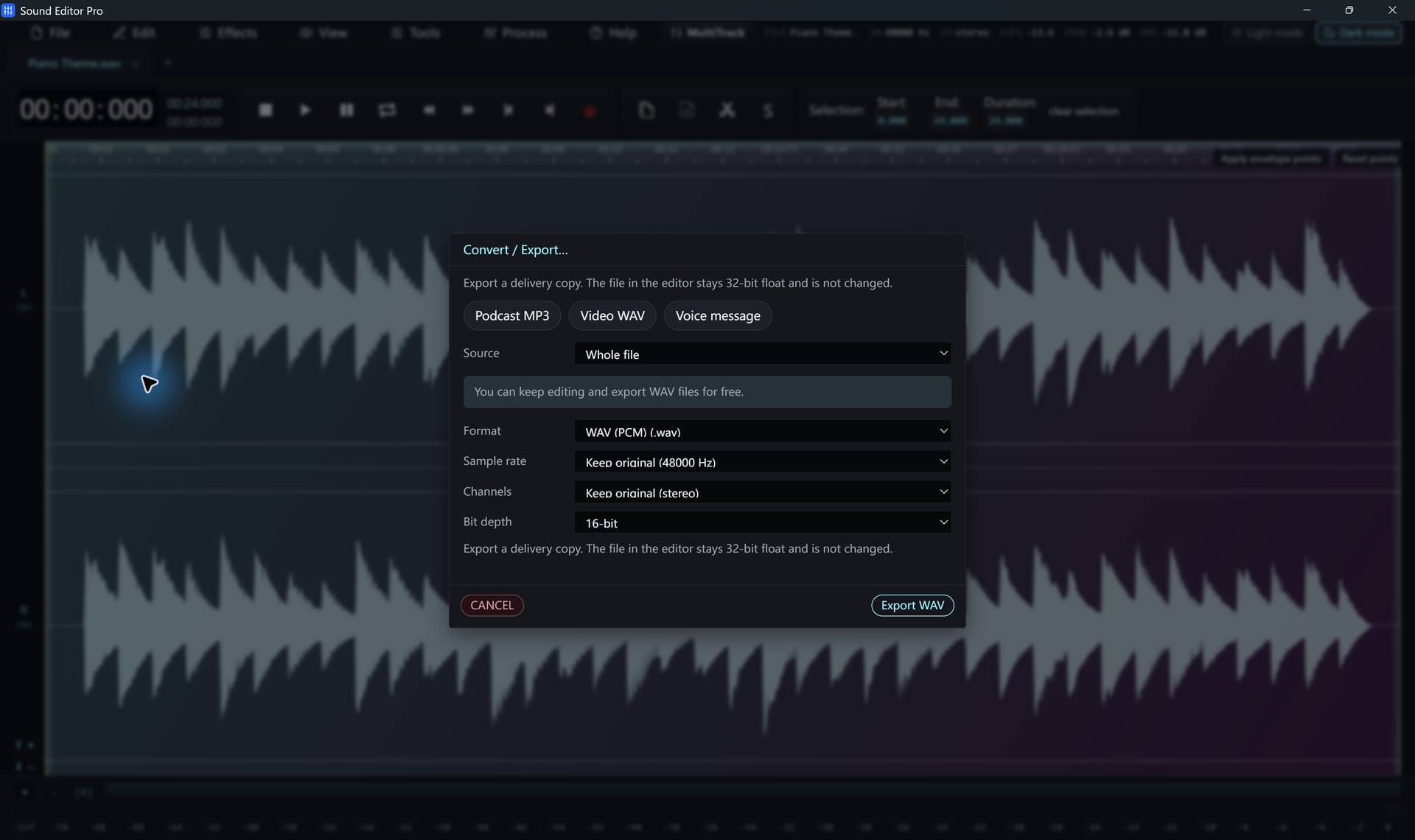
WAV is the free export format in Sound Editor Pro and the best choice for masters.
Free to edit and save WAV · Windows 11 & 10 (64-bit)
| Bit depth | Use |
|---|---|
| 16-bit | CD audio, final delivery |
| 24-bit | Recording and professional exchange |
| 32-bit float | Masters; headroom for further processing |
| 64-bit float | Intermediate processing files |
| 8-bit | Legacy systems only |
Sample rate
Keep the source rate. Use 44.1 kHz for CD, 48 kHz for video. See Sampling and sample rate.
Large files
Standard WAV files are limited to 4 GB. For longer recordings use Wave64 (.w64) or RF64/BWF, which require registration as they are separate formats.
Compressed WAV variants
A-law, µ-law, IMA ADPCM and MS ADPCM WAV files are offered for telephony and legacy systems.
Common questions
16-bit or 24-bit?
16-bit/44.1 kHz matches CD quality and plays everywhere. 24-bit gives more headroom for recording and further editing.
Does WAV export need registration?
No. WAV export is free in every edition.
Hear The Difference On Your Own Material
Download Sound Editor Pro, edit without limits and save WAV for free. Register when you need MP3, FLAC or AAC.
Download Sound Editor ProFree to edit and save WAV · Windows 11 & 10 (64-bit)