Home › Help Center › Output formats
Output formats
WAV export is free. Registration unlocks every other format the converter offers.
Free to edit and save WAV · Windows 11 & 10 (64-bit)
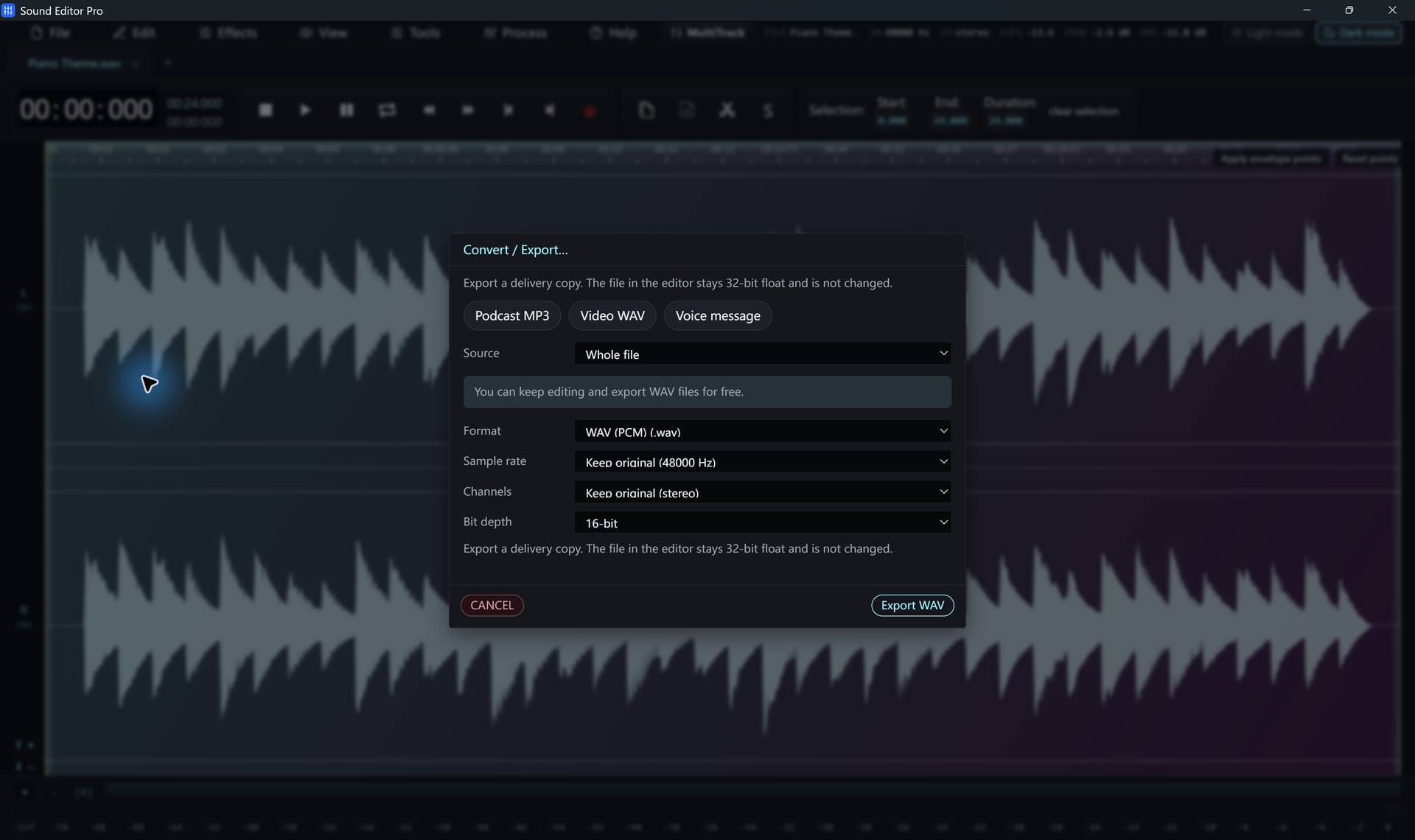
Common formats
| Format | Type | Edition | Best for |
|---|---|---|---|
| WAV (PCM, 32/64-bit float) | Uncompressed | Free | Masters, editing, video |
| FLAC | Lossless | Registered | Archives |
| ALAC (.m4a) | Lossless | Registered | Apple devices |
| MP3 | Lossy | Registered | Universal playback |
| AAC / M4A | Lossy | Registered | Phones, iTunes, video |
| Opus, Ogg Vorbis | Lossy | Registered | Web and voice |
| AIFF, CAF, W64, RF64/BWF | Uncompressed | Registered | Pro and Mac workflows |
| WMA, AC-3, E-AC-3, DTS, AMR | Lossy | Registered | Legacy and special uses |
The converter lists 58 export definitions in total, including audio-only containers such as M4B, MKA and WebM and legacy codecs. Several definitions share an extension, and individual codecs may restrict the sample rate, channels or bitrate.
Settings
- Sample rate: keep source, or 8 kHz to 192 kHz
- Bit depth: 8, 16, 24, 32-bit integer, 32-bit float, 64-bit float (where supported)
- Bitrate: 24 to 512 kbps for lossy formats
- Channels: keep, mono or stereo
Detail pages: WAV settings · MP3 settings · Saving and exporting.
Hear The Difference On Your Own Material
Download Sound Editor Pro, edit without limits and save WAV for free. Register when you need MP3, FLAC or AAC.
Download Sound Editor ProFree to edit and save WAV · Windows 11 & 10 (64-bit)