Home › Help Center › MP3 settings
MP3 settings
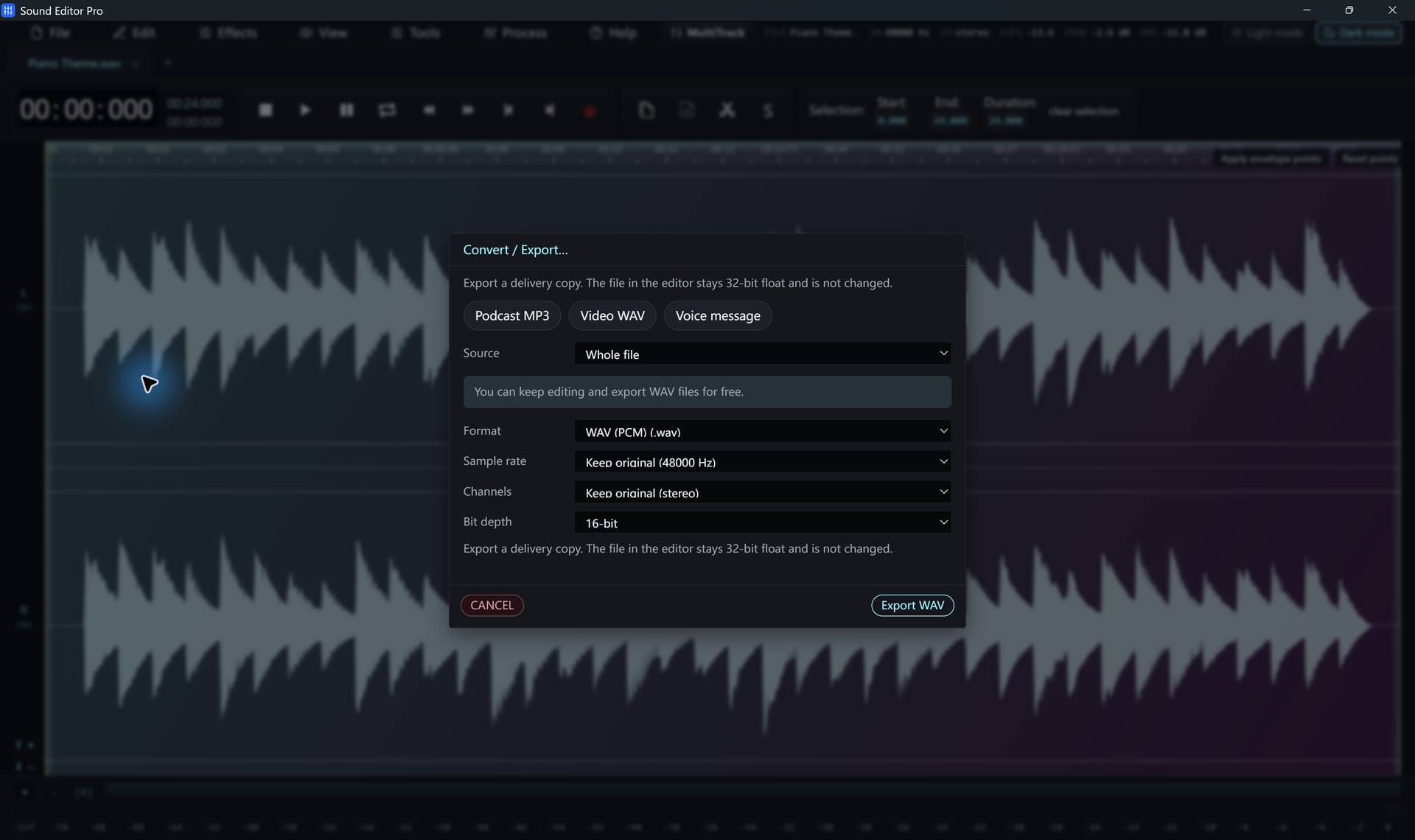
MP3 export is available in the registered edition. These settings give good results.
Free to edit and save WAV · Windows 11 & 10 (64-bit)
| Content | Channels | Bitrate |
|---|---|---|
| Music, high quality | Stereo | 256–320 kbps |
| Music, everyday | Stereo | 192 kbps |
| Podcast / speech | Mono | 64–96 kbps |
| Speech, archive | Mono | 128 kbps |
Tips
- Export from a WAV master, never re-encode an MP3 repeatedly.
- 44.1 kHz is the standard MP3 sample rate.
- Use the Podcast MP3 preset for episodes.
- Add tags afterwards with the ID3 Tag Editor.
For other lossy formats (AAC, Opus, OGG, WMA), see Output formats.
Common questions
Which MP3 bitrate should I use?
For speech and podcasts, 64–96 kbps mono is plenty. For music, use 192 kbps stereo or higher. The Podcast MP3 preset is a good starting point for voice.
Why can’t I export MP3?
MP3 export requires registration. The free edition saves WAV, which you can convert after registering.
Hear The Difference On Your Own Material
Download Sound Editor Pro, edit without limits and save WAV for free. Register when you need MP3, FLAC or AAC.
Download Sound Editor ProFree to edit and save WAV · Windows 11 & 10 (64-bit)