Home › Help Center › Options and preferences
Options and preferences
Settings are saved per user and apply the next time you start the program.
Free to edit and save WAV · Windows 11 & 10 (64-bit)
| Setting | Where | Notes |
|---|---|---|
| Theme | Light/Dark mode button in the toolbar | Remembered between sessions |
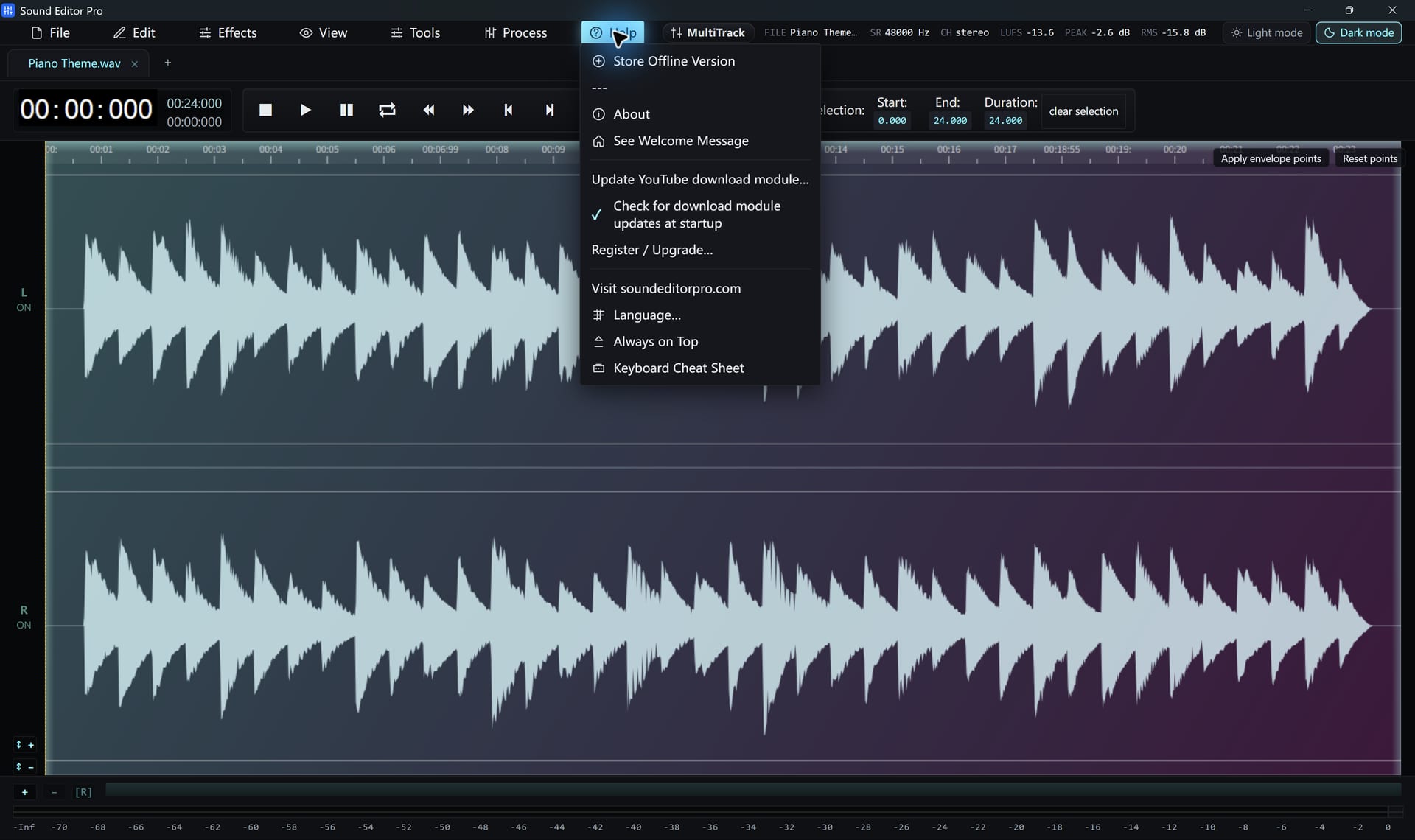
| Language | Help / language menu | English, 简体中文, 繁體中文, 日本語, 한국어, Español, Português (Brasil), Deutsch, Français, Русский |
| Auto-backup | Preferences (Ctrl+K, type “backup”) | Keeps a recovery copy of your working audio |
| Check for updates at startup | Help | On/off. Retrieves release information only |
| Update YouTube download module | Help | Shows installed and latest versions; installs on request |
| Always on top | Ctrl+K, type “top” | Keeps the window above others |
| Conversion preferences | Convert / Export | Last-used format and settings are remembered |
Keyboard
Press F1 for the shortcut sheet and Ctrl+K for the command palette, which reaches commands that are not on a menu.
Presets
Effects with preset support store your custom presets locally. You can create, rename, update and delete them inside each effect dialog.
Hear The Difference On Your Own Material
Download Sound Editor Pro, edit without limits and save WAV for free. Register when you need MP3, FLAC or AAC.
Download Sound Editor ProFree to edit and save WAV · Windows 11 & 10 (64-bit)