Home › Help Center › Getting started
Getting started
Sound Editor Pro combines a waveform editor, a recorder, restoration tools, a spectrogram and a multitrack mixer in one window. This page orients you in ten minutes.
Free to edit and save WAV · Windows 11 & 10 (64-bit)
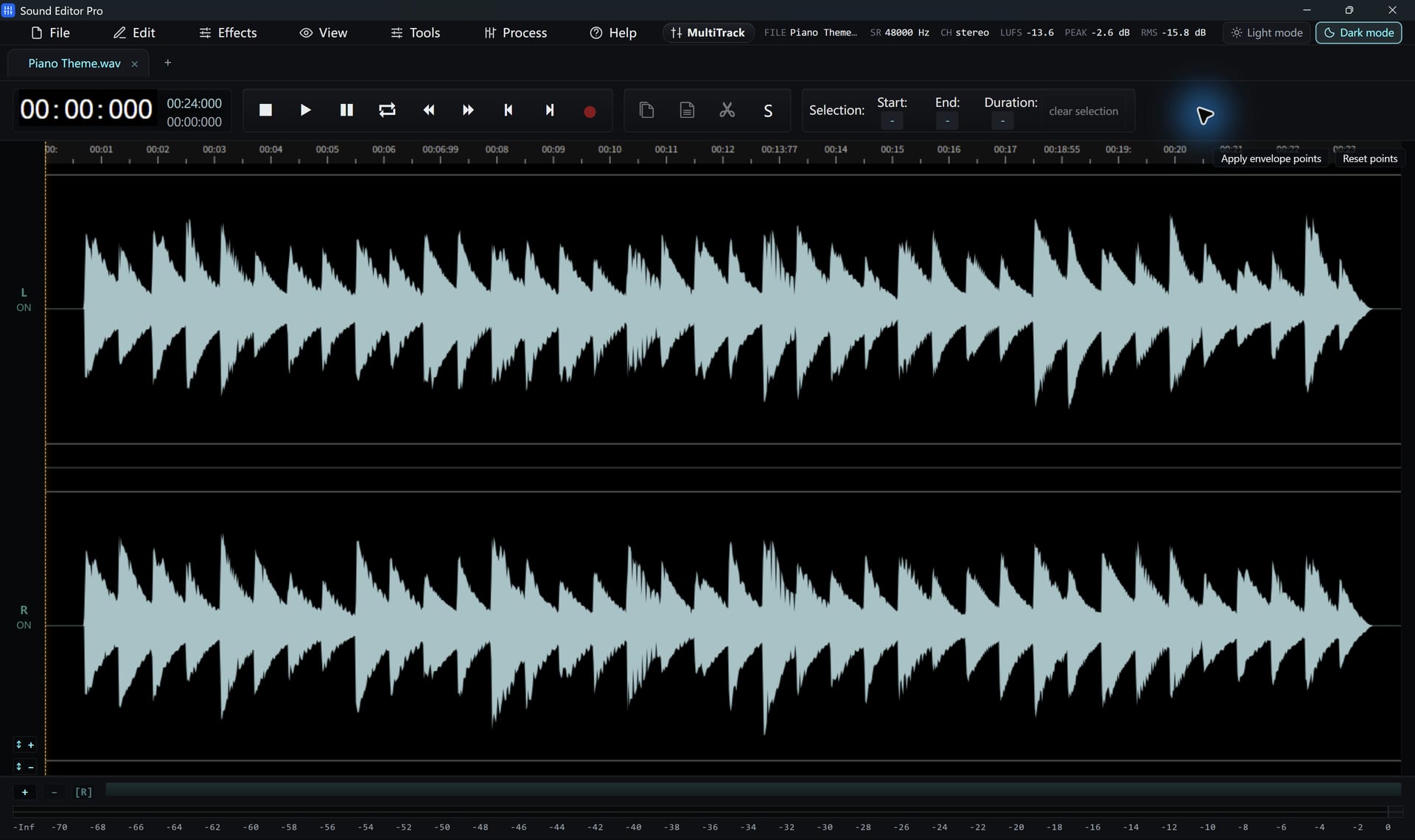
The main window
| Area | Purpose |
|---|---|
| Menu bar | File, Edit, Effects, View, Tools, Process and Help |
| Tabs | One tab per open file; a dot marks unsaved changes |
| Transport | Play, stop, record, loop and the time readout |
| Selection fields | Start, end and duration of the selection, editable |
| Waveform | Stereo or mono display with timeline and playhead |
| Spectrogram dock | Frequency view synchronized with the waveform |
Your first session
- Drag an audio or video file into the window, or choose File › Open. To record instead, choose Tools › Record.
- Drag across the waveform to select, then press Space to audition.
- Apply an edit or an effect from the menus.
- Choose File › Save to keep a WAV master, or Convert / Export for a delivery copy.
Work faster
- Ctrl+K opens the command palette. Type any command name.
- F1 shows the keyboard shortcut sheet.
- Switch between light and dark themes and among ten interface languages from the menus.
Free and registered editions
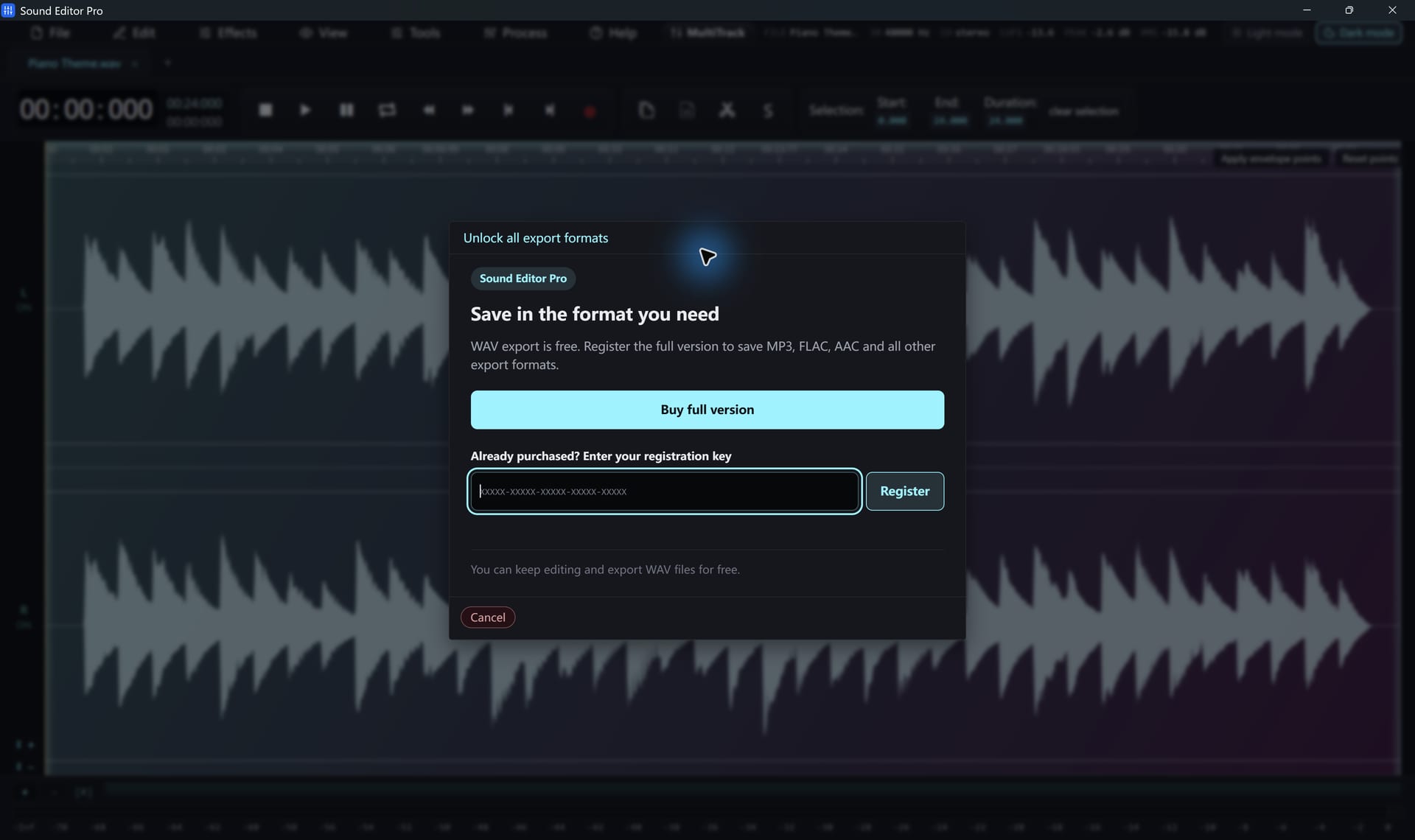
All tools work in the free edition, and WAV export is included. A registration code unlocks the other export formats. Enter it in the Register / Upgrade dialog; see pricing.
Hear The Difference On Your Own Material
Download Sound Editor Pro, edit without limits and save WAV for free. Register when you need MP3, FLAC or AAC.
Download Sound Editor ProFree to edit and save WAV · Windows 11 & 10 (64-bit)