Home › Help Center › Waveform view, zoom and playback
Waveform view, zoom and playback
The waveform is where most work happens. Learn to move around it quickly.
Free to edit and save WAV · Windows 11 & 10 (64-bit)
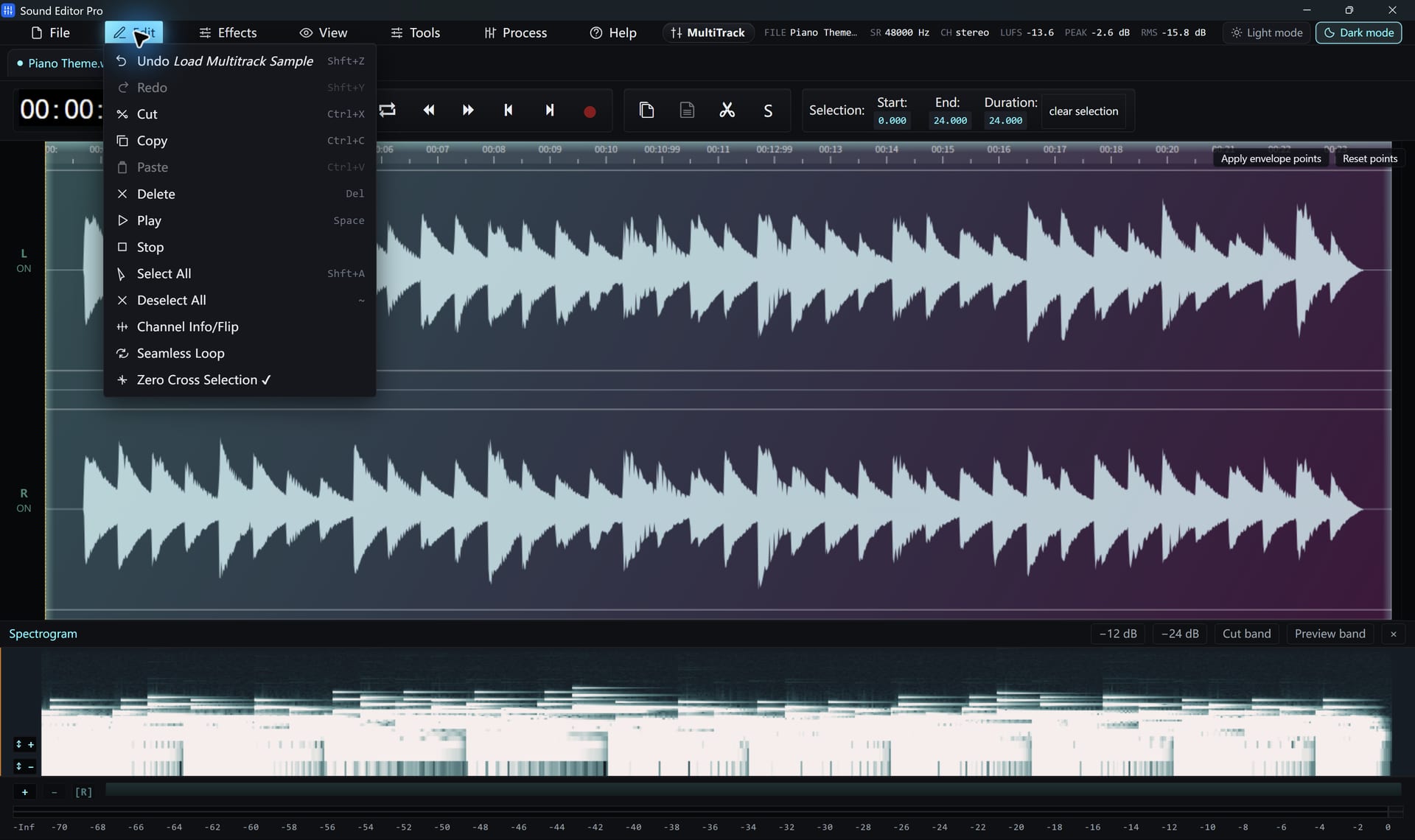
Zooming and scrolling
- Zoom horizontally to see individual cycles, or reset zoom to see the whole file.
- Center on cursor brings the playhead into view.
- Follow cursor scrolls automatically during playback.
- Select the visible range with one command when you want to work on what you see.
- Toggle the timeline and the peak separator lines.
Playback
| Action | How |
|---|---|
| Play / stop | Space or the transport buttons |
| Play the selection | Make a selection, then play |
| Loop | Turn on loop to repeat the selection |
| Seek | Click the timeline |
Reading levels
The status area shows sample rate and channels, and LUFS, peak and RMS readings help you judge loudness. For a frequency view, open the Spectrogram editing.
Hear The Difference On Your Own Material
Download Sound Editor Pro, edit without limits and save WAV for free. Register when you need MP3, FLAC or AAC.
Download Sound Editor ProFree to edit and save WAV · Windows 11 & 10 (64-bit)