Home › Help Center › Basic audio editing
Basic audio editing
The core editing commands, and the habits that keep edits inaudible.
Free to edit and save WAV · Windows 11 & 10 (64-bit)
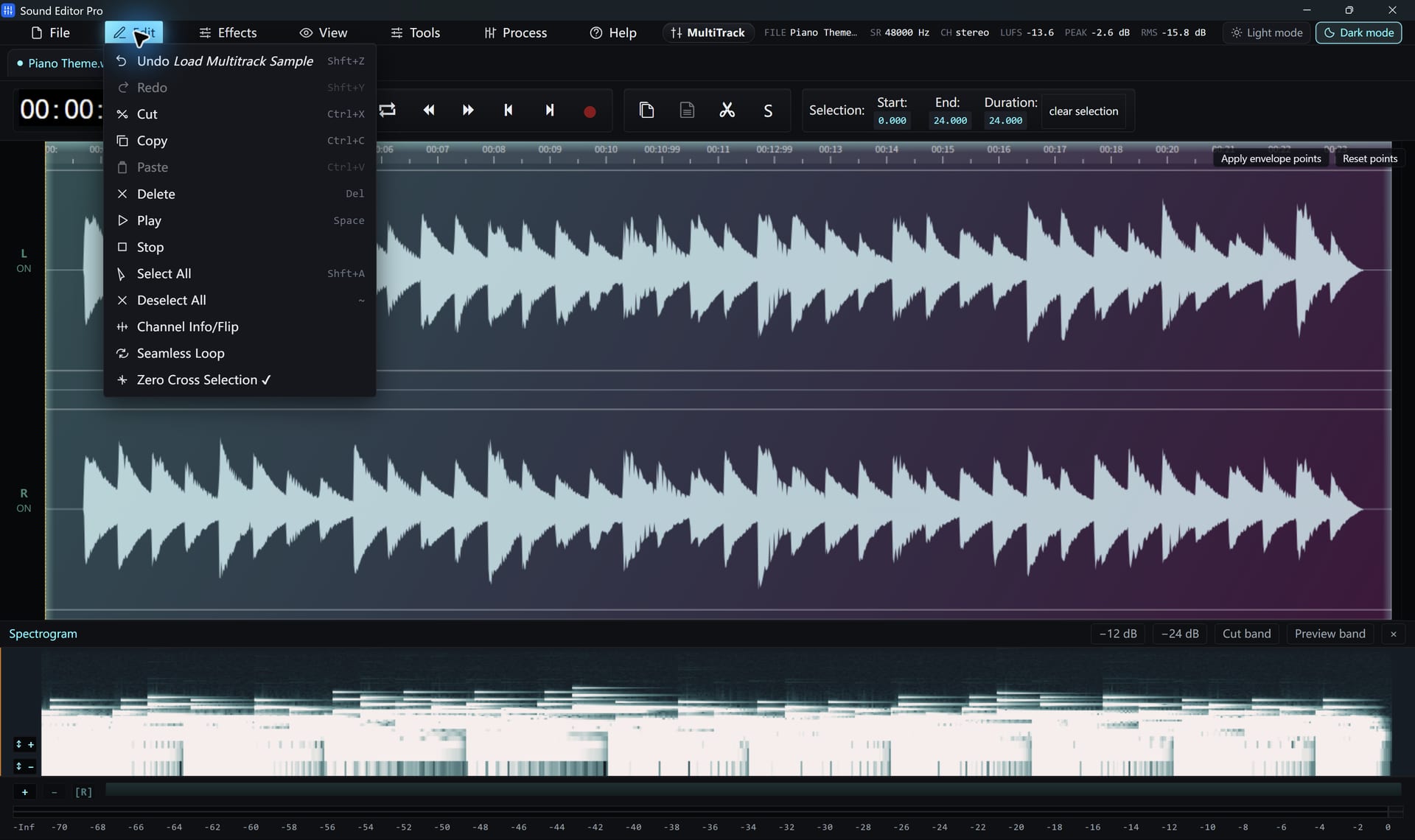
Core commands
| Command | Shortcut | Effect |
|---|---|---|
| Cut | Ctrl+X | Remove selection to clipboard |
| Copy | Ctrl+C | Copy selection |
| Paste | Ctrl+V | Insert at playhead, optional crossfade |
| Delete | Del | Remove selection |
| Select all | Ctrl+A | Whole file |
| Undo | Ctrl+Z | Step back; redo from the Edit menu |
Clean edits
- Enable Snap to zero crossings so cuts land where the waveform crosses zero, avoiding clicks.
- Use a short paste crossfade (5–20 ms) on music.
- Fade in and out at file boundaries.
Beyond cut and paste
- Insert silence for a pause.
- Clip-gain and fade envelopes: draw points on the waveform to shape level.
- Seamless Loop: build a loop with crossfade preview.
- A/B snapshot: store a version and swap to compare.
- History drawer: jump back several steps at once.
Next: Selecting regions and Editing using the clipboard.
Hear The Difference On Your Own Material
Download Sound Editor Pro, edit without limits and save WAV for free. Register when you need MP3, FLAC or AAC.
Download Sound Editor ProFree to edit and save WAV · Windows 11 & 10 (64-bit)