Home › Help Center › Concepts of digital audio
Concepts of digital audio
A short primer on the ideas behind every setting in Sound Editor Pro.
Free to edit and save WAV · Windows 11 & 10 (64-bit)
From air to numbers
A microphone turns air pressure into voltage. A converter measures that voltage many thousands of times per second (sampling) and stores each measurement as a number with a fixed resolution (bit depth).
Key terms
| Term | Meaning |
|---|---|
| Sample rate | Measurements per second, e.g. 48 kHz |
| Bit depth | Resolution of each measurement, e.g. 24-bit |
| dBFS | Level relative to the digital maximum (0 dBFS) |
| Channels | Mono (1) or stereo (2) |
| Bitrate | Data per second in compressed files, e.g. 192 kbps |
Format families
| Family | Examples | Quality |
|---|---|---|
| Uncompressed | WAV, AIFF | Exact |
| Lossless | FLAC, ALAC | Exact, smaller |
| Lossy | MP3, AAC, Opus | Approximation, much smaller |
Waveform and spectrum
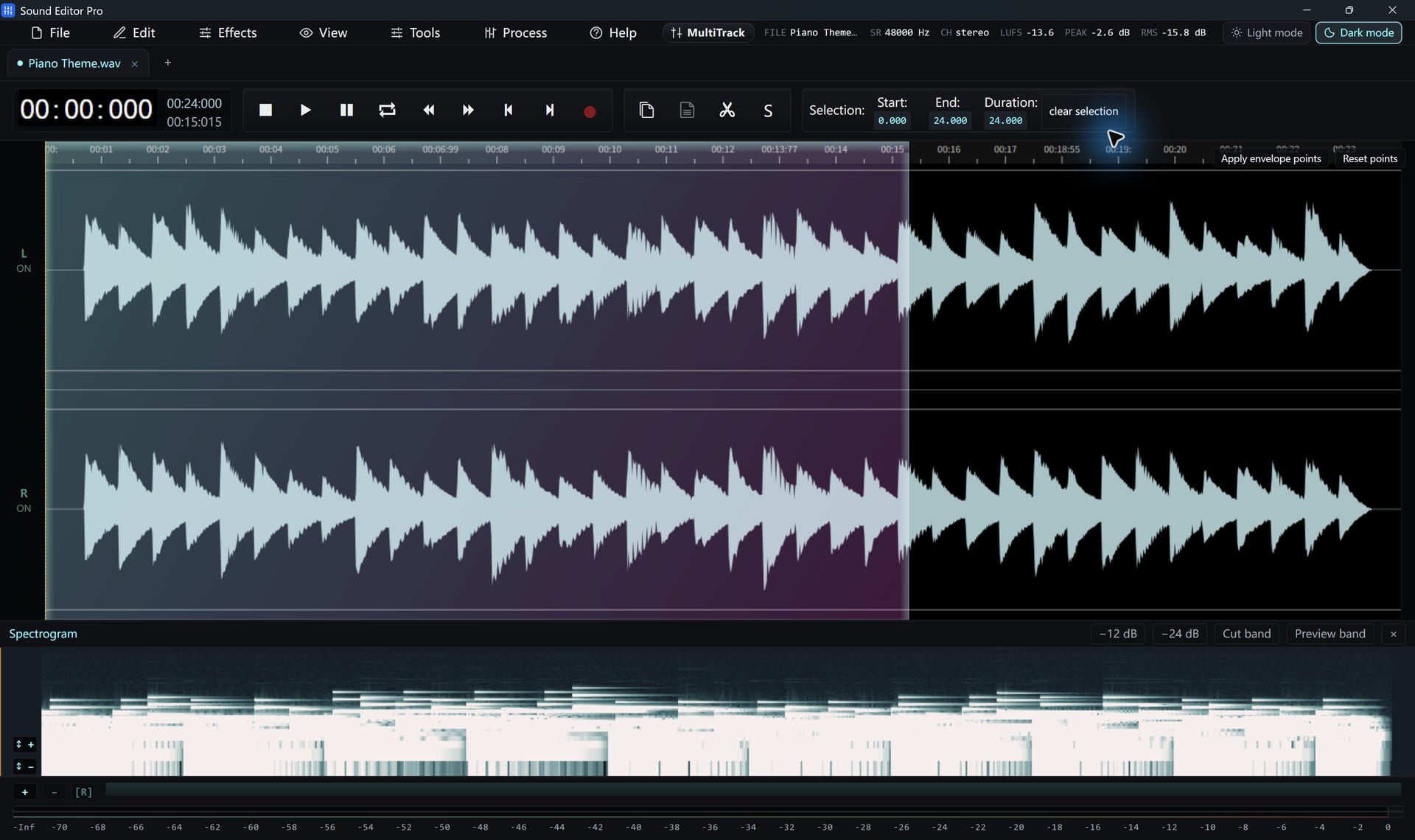
The waveform shows level over time; the Spectrogram editing shows which frequencies are present over time. Different problems are easier to see in each.
Hear The Difference On Your Own Material
Download Sound Editor Pro, edit without limits and save WAV for free. Register when you need MP3, FLAC or AAC.
Download Sound Editor ProFree to edit and save WAV · Windows 11 & 10 (64-bit)