Home › Help Center › Connecting a tape deck (cassette)
Connecting a tape deck (cassette)
Cassette decks output line level, so connection is simple. The work is in getting a clean playback and removing hiss.
Free to edit and save WAV · Windows 11 & 10 (64-bit)
Connect
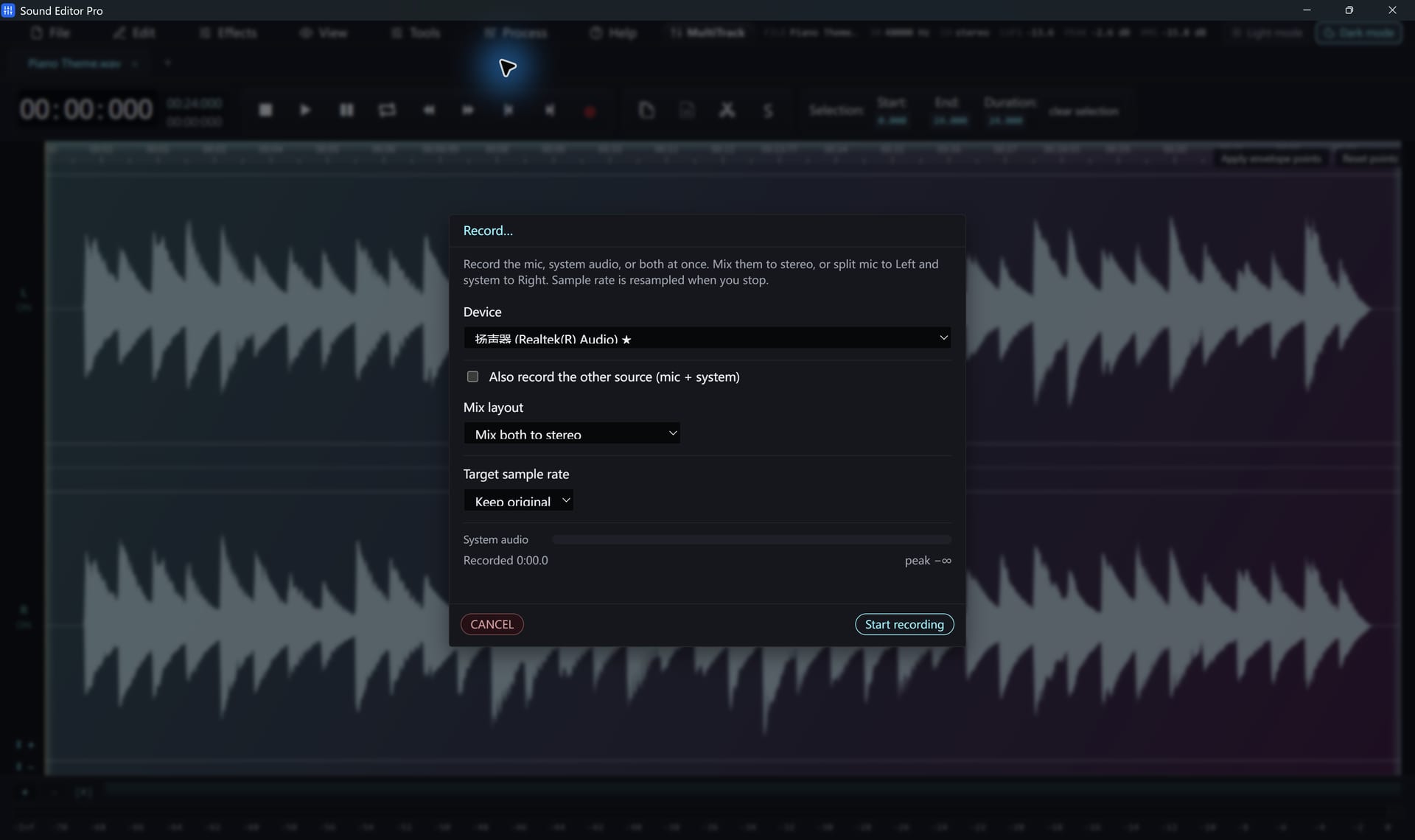
- Connect the deck’s LINE OUT (RCA) to the PC line-in or USB interface. Avoid the headphone output if possible.
- Clean and demagnetize the heads; rewind and fast-forward the tape once to even the tension.
- Select the input and set levels on a loud passage.
Record
Record each side in one take at 44.1 or 48 kHz. Mono recordings such as lectures can be converted to mono afterwards with Channel Info to halve the file size.
Clean up
| Problem | Tool |
|---|---|
| Tape hiss under speech | Noise Reduction (Voice) |
| Hum | De-hum |
| Level differences between tapes | LUFS loudness matching |
| Playback speed too fast or slow | Speed / Playback Rate |
Home-study courses and audiobooks
Split long lectures into chapters with Split by silence using 2–3 seconds minimum silence. The batch converter then converts all chapters at once.
Hear The Difference On Your Own Material
Download Sound Editor Pro, edit without limits and save WAV for free. Register when you need MP3, FLAC or AAC.
Download Sound Editor ProFree to edit and save WAV · Windows 11 & 10 (64-bit)