Home › Help Center › Split by silence
Split by silence
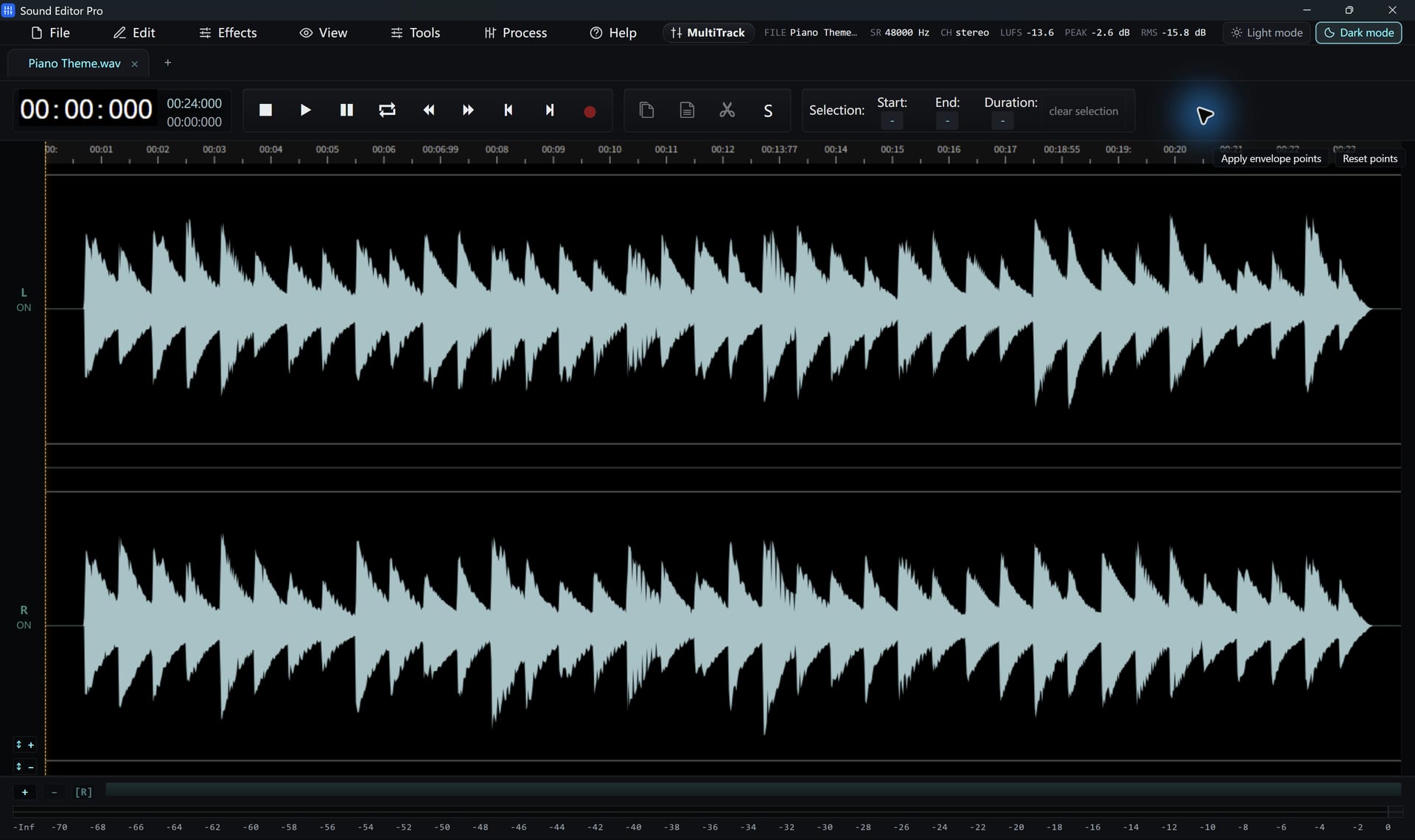
Process › Split by Silence finds the gaps in a recording and splits it into clips. Ideal for LP sides, tapes, lectures and voice notes.
Free to edit and save WAV · Windows 11 & 10 (64-bit)
Parameters
| Parameter | Meaning | Start with |
|---|---|---|
| Silence threshold | Level below which audio counts as silence | −45 dBFS (vinyl: −40) |
| Minimum silence | How long a gap must last | 1.5 s music, 2.5 s speech |
| Minimum clip | Shortest piece to keep | 30 s songs, 3 s notes |
| Padding | Audio kept before and after each clip | 0.2–0.5 s |
Workflow
- Clean the recording first so surface noise is not mistaken for audio.
- Open the dialog and set parameters.
- Check the preview count. If it is wrong, adjust threshold and minimum silence.
- Choose: add split markers, open clips as tabs, or save clips as WAV files.
Songs with quiet passages may split in the middle. Raise the minimum silence, or add markers manually and slice instead.
Hear The Difference On Your Own Material
Download Sound Editor Pro, edit without limits and save WAV for free. Register when you need MP3, FLAC or AAC.
Download Sound Editor ProFree to edit and save WAV · Windows 11 & 10 (64-bit)