Home › Help Center › Connecting a record player (LP)
Connecting a record player (LP)
A turntable’s cartridge output is tiny and needs RIAA equalization. Choose one of three ways to get a line-level signal into your PC.
Free to edit and save WAV · Windows 11 & 10 (64-bit)
Three ways to connect
| Method | How | Notes |
|---|---|---|
| Through an amplifier | Turntable → amplifier PHONO input; amplifier TAPE/REC OUT → PC line-in | Uses your amplifier’s phono stage |
| Directly with a preamp | Turntable → phono preamp → PC line-in or interface | Best when no amplifier is available |
| USB turntable | USB cable to the PC | Built-in preamp and converter; select it as input |
Never connect a turntable without a phono preamp directly to line-in. The result is very quiet and thin. Ground the turntable to stop hum.
Recording a side
- Clean the record and stylus.
- Set levels on the loudest track; peaks around −6 dBFS.
- Record at 48 or 96 kHz and record the whole side in one take.
- Save a 32-bit float WAV master before any processing.
Restoring
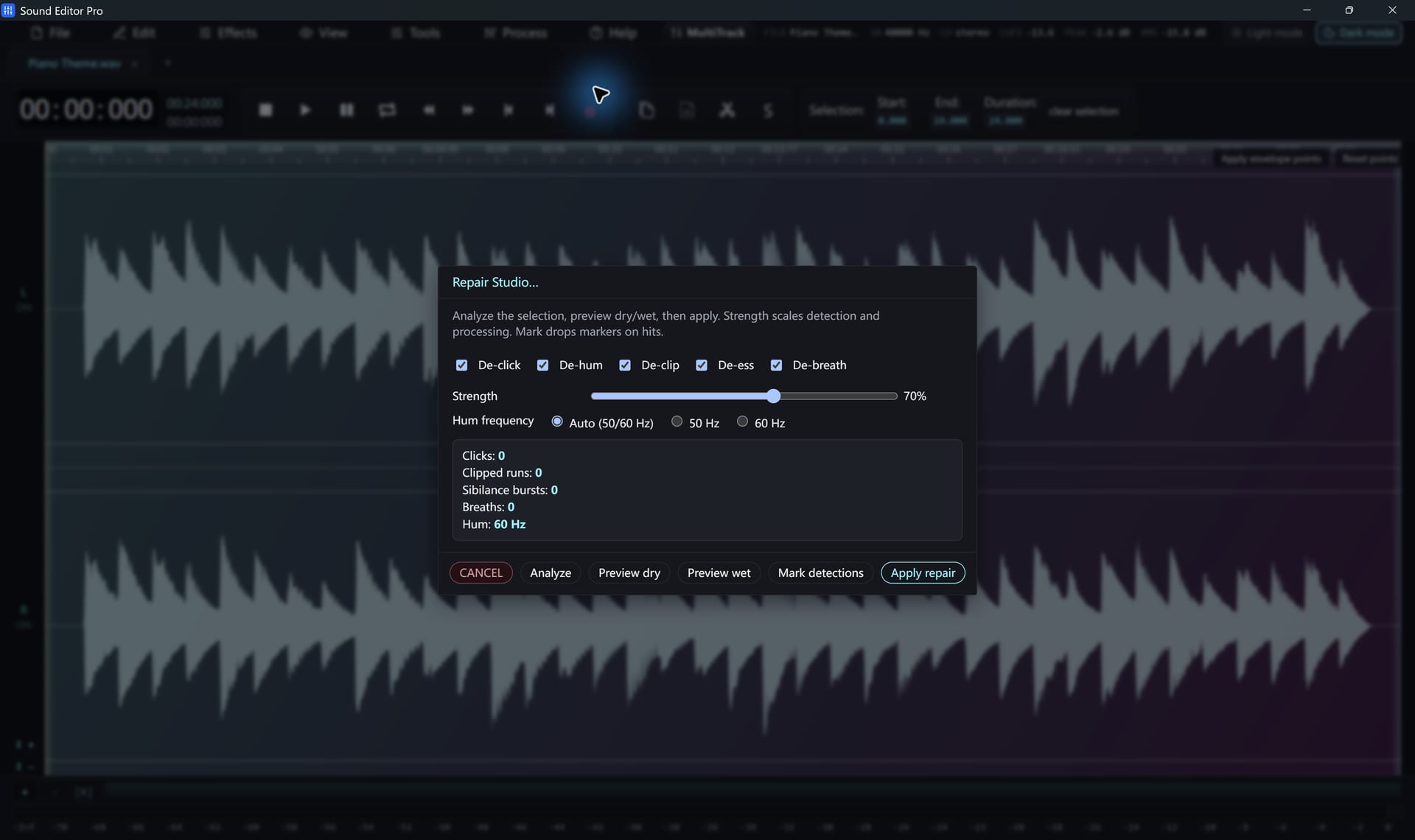
- Run Repair Studio with De-click for ticks and pops.
- Use De-hum (Auto, 50 or 60 Hz) for ground hum.
- Remove isolated thumps or scratches in the Spectrogram editing.
- Run Remove DC offset if the waveform sits off-centre.
Into tracks
Use Split by silence with a 1.5-second minimum silence, or place markers and slice. Export the tracks as WAV, or as FLAC/MP3 with a registered edition.
Hear The Difference On Your Own Material
Download Sound Editor Pro, edit without limits and save WAV for free. Register when you need MP3, FLAC or AAC.
Download Sound Editor ProFree to edit and save WAV · Windows 11 & 10 (64-bit)