Home › Help Center › Extracting audio from video
Extracting audio from video
Open a video file and its soundtrack becomes an editable waveform. Clean it, then export for your editor or platform.
Free to edit and save WAV · Windows 11 & 10 (64-bit)
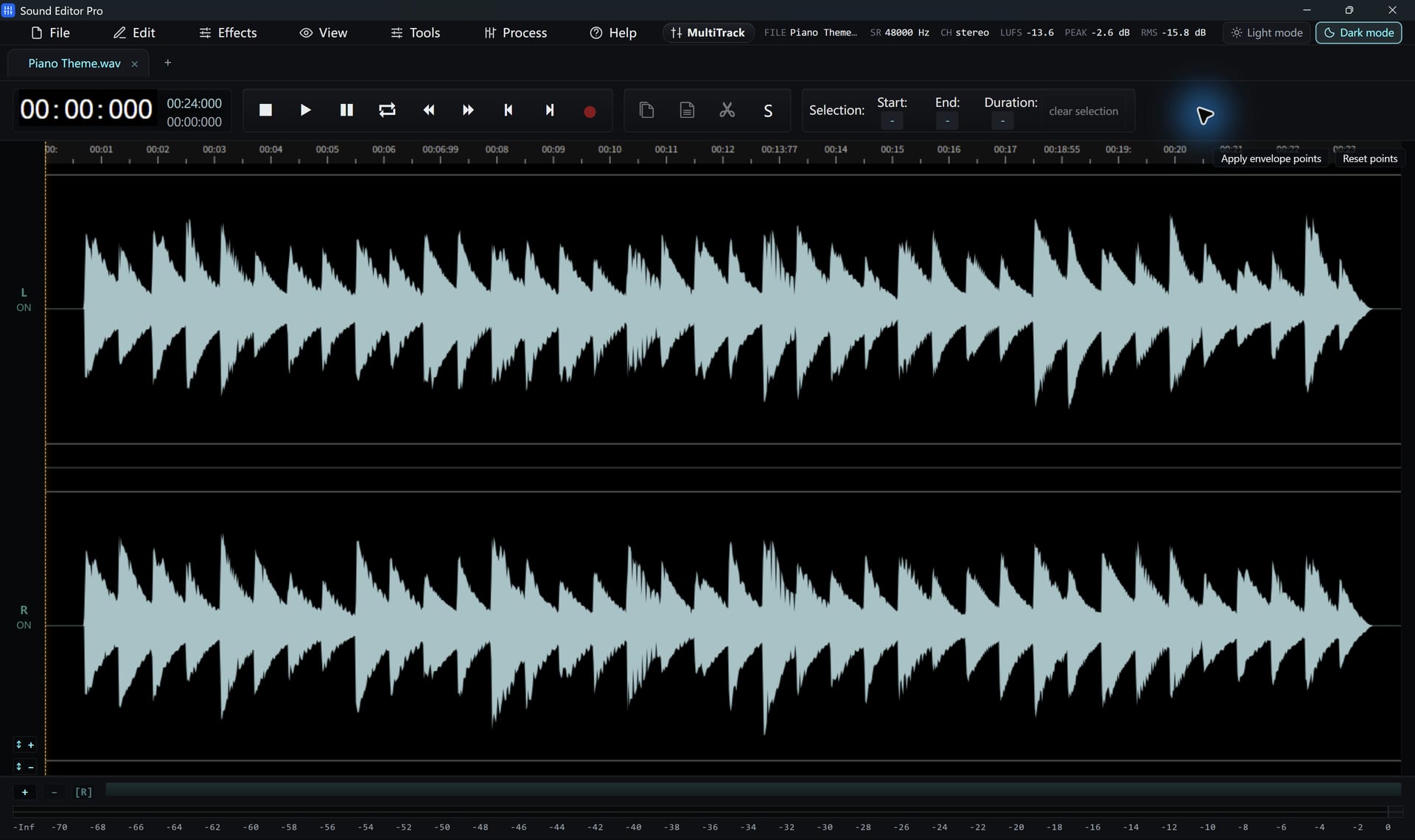
- File › Open or drag in a video: MP4, M4V, MKV, MOV, AVI, WMV, WebM, FLV, MPEG, TS/MTS, 3GP and more.
- On first use the FFmpeg component is prepared (internet needed once).
- Edit and repair the soundtrack.
- Export WAV 48 kHz for video editing, or other formats with registration.
Fixing location audio
- Wind and handling noise: Noise Reduction (Voice) and the spectrogram
- Hum from lights: De-hum
- Uneven dialogue: compressor and LUFS
Only the audio is used. Sound Editor Pro does not edit or export video pictures, and protected (DRM) videos cannot be opened.
Common questions
Which video formats can I open?
MP4, MKV, MOV, AVI, WebM, WMV, FLV, MPEG, TS and many more. Uncommon codecs depend on FFmpeg support.
Can I edit or export the video picture?
No. Only the soundtrack is opened and saved. Sound Editor Pro does not create video files.
Hear The Difference On Your Own Material
Download Sound Editor Pro, edit without limits and save WAV for free. Register when you need MP3, FLAC or AAC.
Download Sound Editor ProFree to edit and save WAV · Windows 11 & 10 (64-bit)