Home › Help Center › Advanced recording options
Advanced recording options
Techniques for when a simple start-and-stop recording is not enough.
Free to edit and save WAV · Windows 11 & 10 (64-bit)
Punch-in: replace or overdub
- Place the playhead a little before the passage.
- Start punch-in and set the pre-roll so you hear the lead-in.
- Choose Replace to overwrite, or Mix to layer the new take.
- Perform; stop when done. Undo if needed.
Layering parts in the mixer
Arm a track in the multitrack mixer to record a new part while existing tracks play. Each take lands as a clip you can move, trim and fade.
Capturing interviews and calls
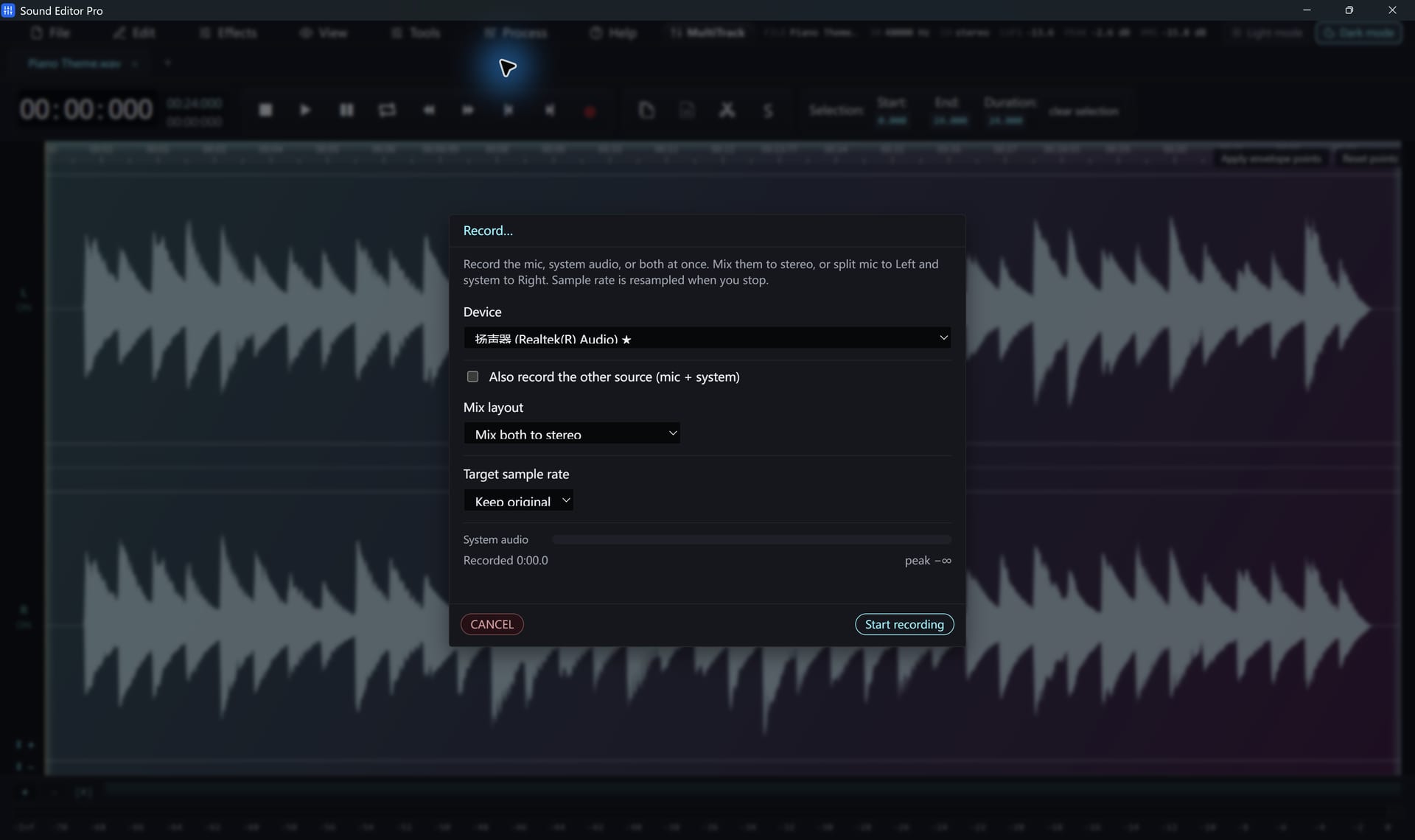
Record your microphone and the system playback in split L/R mode. Each party is on its own channel, so you can level them separately and apply noise reduction to just one side.
Headroom
Takes are processed internally at high precision and can be saved as 32-bit float WAV, so later gain changes do not add clipping. Clipping that happened at the converter during recording cannot be undone, so leave about 6 dB of headroom.
Hear The Difference On Your Own Material
Download Sound Editor Pro, edit without limits and save WAV for free. Register when you need MP3, FLAC or AAC.
Download Sound Editor ProFree to edit and save WAV · Windows 11 & 10 (64-bit)