Home › Help Center › Working with channels
Working with channels
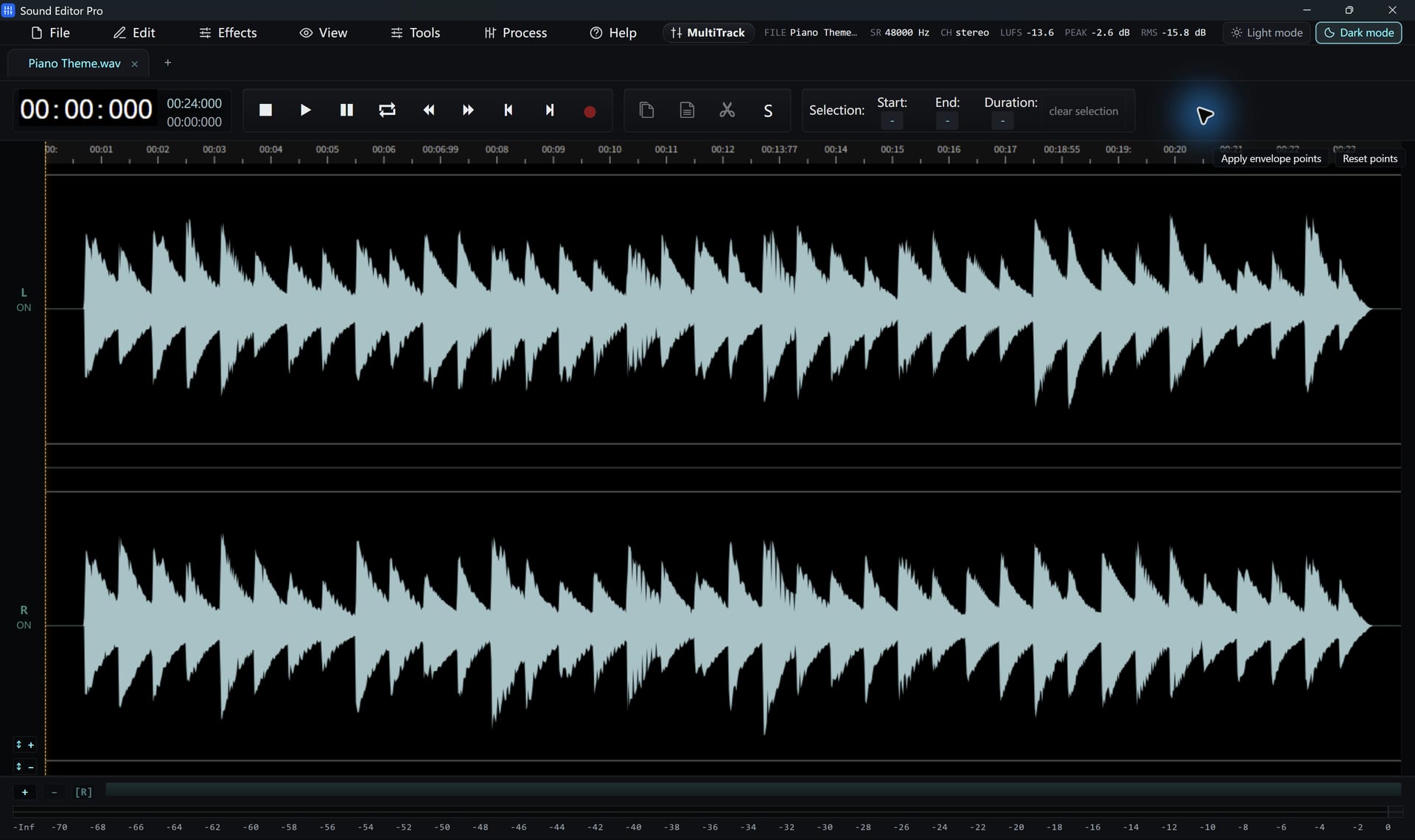
Channel Info and related tools fix most stereo problems in a few clicks.
Free to edit and save WAV · Windows 11 & 10 (64-bit)
| Task | Tool |
|---|---|
| Keep only the left or right channel as mono | Channel Info › make mono (L or R) |
| Swap left and right | Channel Info › flip channels |
| Turn mono into stereo | Channel Info › mono to stereo |
| Widen or narrow the stereo image | Stereo width |
| Fix phase-reversed recording | Invert |
| Change channel count on export | Convert / Export › channels |
Common situations
- Split L/R recording: mic on left, system sound on right. Make mono from the side you need.
- One dead channel: keep the good channel as mono, then convert to stereo if needed.
- Thin sound in mono: one channel may be inverted. Invert it and compare.
Common questions
How do I turn a stereo file into mono?
Use Channel Info to make the file mono from the left or right channel, or choose mono in the output settings when you convert.
One channel is silent. Can I fix it?
Yes. Make the file mono from the channel that has sound, then convert it back to stereo if you need two channels.
Hear The Difference On Your Own Material
Download Sound Editor Pro, edit without limits and save WAV for free. Register when you need MP3, FLAC or AAC.
Download Sound Editor ProFree to edit and save WAV · Windows 11 & 10 (64-bit)