Home › Help Center › Create, open and save files
Create, open and save files
Everything about getting audio into the editor and keeping your work safe.
Free to edit and save WAV · Windows 11 & 10 (64-bit)
Opening
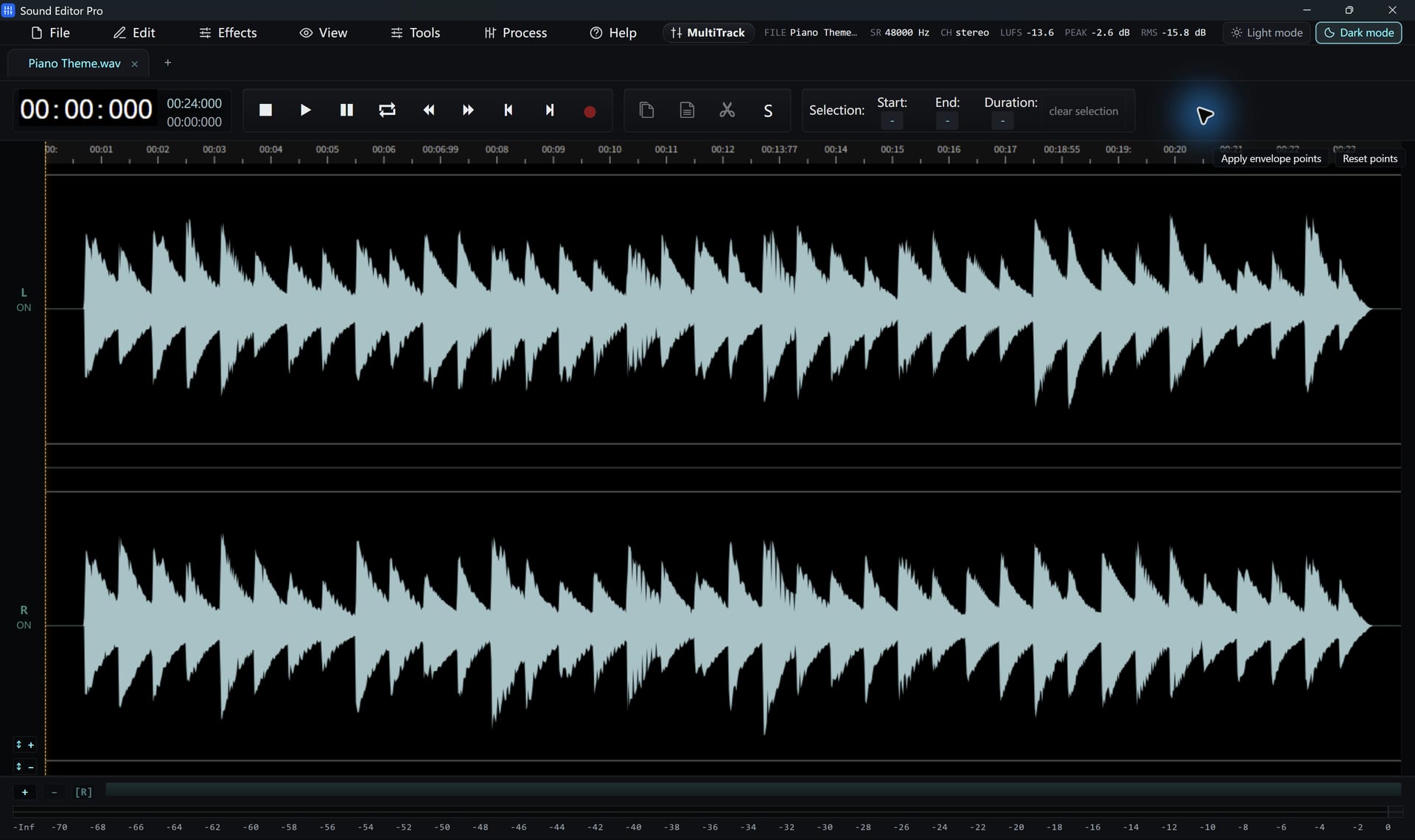
- File › Open groups formats by type: uncompressed, compressed, video (audio extraction), tracker/game music and projects.
- Drag and drop several files to open each in its own tab.
- Video files open as their soundtrack. See extracting audio from video.
- The recent-files list reopens recent work.
- Load From URL opens an audio file from a web address where the server allows it.
A recognized extension does not guarantee every codec or DRM-protected file can be decoded. Less common types are decoded with FFmpeg, which is prepared on first use.
Inserting another file
Insert a file at the playhead either by pushing the existing audio later or by mixing over it. Set a crossfade in milliseconds to smooth the join.
Audio CDs
The current version has no CD ripper. Rip tracks to WAV or FLAC with Windows Media Player Legacy, then open them here.
Saving
| Command | Result |
|---|---|
| Save / Save As | Working WAV master, optionally 32-bit float |
| Export Selection | Only the selected region, as WAV |
| Convert / Export | A delivery copy in another format (registration needed for non-WAV) |
| Save project | .wsmith file with tabs, selections, markers, A/B audio and mixer state |
Drafts and recovery
Save drafts to return to later, and enable auto-backup in the preferences. After an unexpected exit the program offers to restore the backup. Recovery cannot guarantee every unsaved change, so save regularly.
Hear The Difference On Your Own Material
Download Sound Editor Pro, edit without limits and save WAV for free. Register when you need MP3, FLAC or AAC.
Download Sound Editor ProFree to edit and save WAV · Windows 11 & 10 (64-bit)