Home › Help Center › Recording live performances
Recording live performances
Live sound gives you one chance. Preparation matters more than processing.
Free to edit and save WAV · Windows 11 & 10 (64-bit)
Choose the feed
| Option | Pros | Cons |
|---|---|---|
| Mixing desk output (line) | Clean, balanced vocals | Little room sound; loud instruments may be missing |
| Room microphones | Natural ambience | More noise and reverb |
| Both, split L/R | Blend later | Needs two inputs or the additional source |
Level and headroom
Set levels during the loudest part of the soundcheck so peaks reach about −10 dBFS. Live audio is unpredictable; generous headroom prevents clipping in the encore.
Format
Record at 48 kHz. Save the raw take as a 32-bit float WAV master before you edit.
Afterwards
- Remove crowd noise or coughs between songs with the Spectrogram editing.
- Even out quiet speech with the compressor and LUFS loudness.
- Split songs with Split by silence or slice at markers.
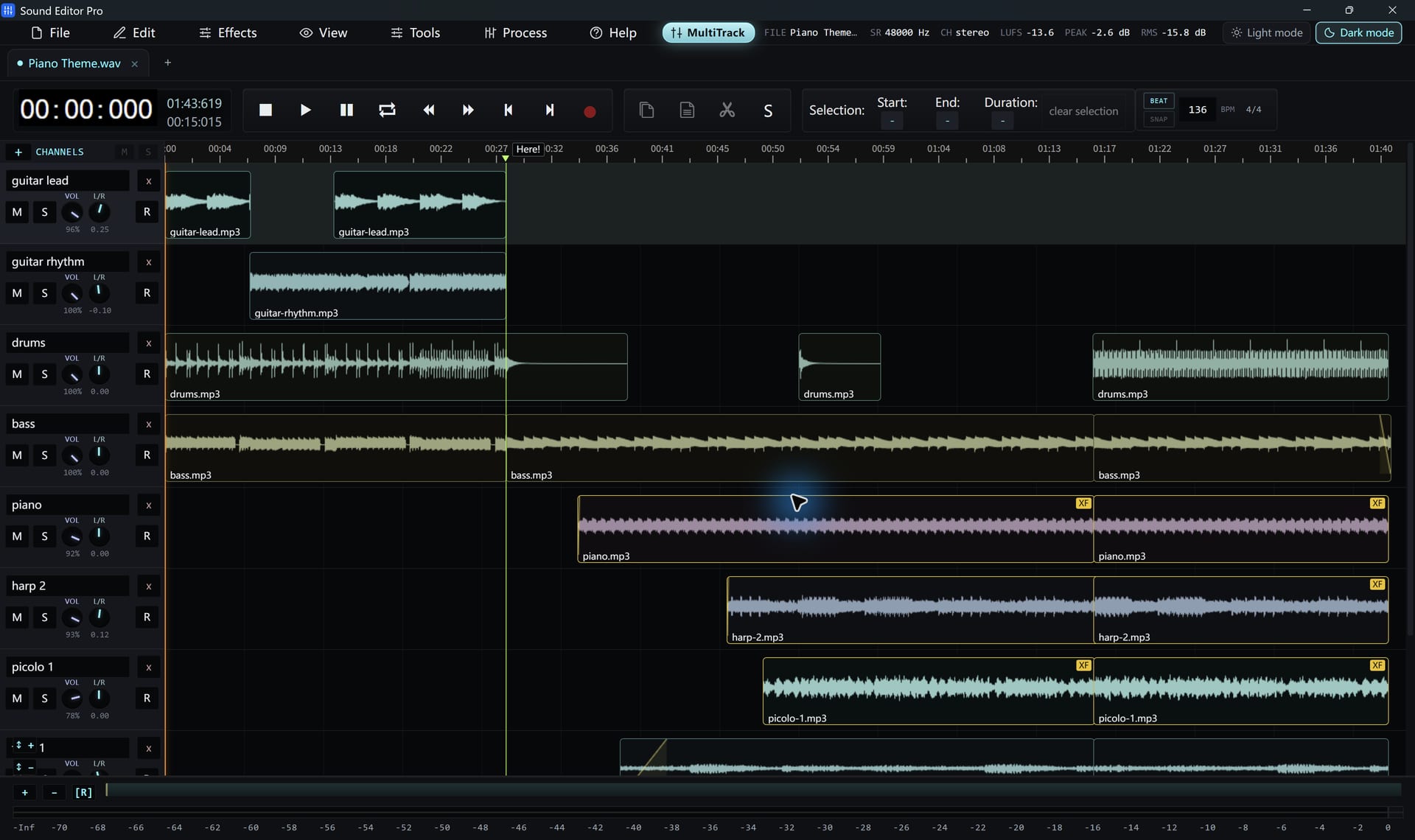
- Blend desk and room recordings in the multitrack mixer.
Hear The Difference On Your Own Material
Download Sound Editor Pro, edit without limits and save WAV for free. Register when you need MP3, FLAC or AAC.
Download Sound Editor ProFree to edit and save WAV · Windows 11 & 10 (64-bit)